ngrok内网穿透
1、下载
根据操作系统下载相应的安装包 https://ngrok.com/download
2、安装
这里以macos为例,直接使用 brew 安装,brew没有的,可以点这里安装
brew install ngrok/ngrok/ngrok
3、安装后会自动配置好环境变量,ngrok -h 查看是否正常
ngrok -h
ngrok 中添加身份验证令牌(authtoken),以便进行身份验证并访问 ngrok 的服务
ngrok config add-authtoken 2dDxF14m9NnjX6DsGeJSdxqxpfS_5t8AjEgX574ibHdsLcLbv
该命令不分操作系统,cmd和zsh都支持
返回文档及相关操作指令
NAME:
  ngrok - tunnel local ports to public URLs and inspect traffic
USAGE:
  ngrok [command] [flags]
DESCRIPTION:
  ngrok exposes local networked services behinds NATs and firewalls to the
  public internet over a secure tunnel. Share local websites, build/test
  webhook consumers and self-host personal services.
  Detailed help for each command is available with 'ngrok help <command>'.
  Open http://localhost:4040 for ngrok's web interface to inspect traffic.
Author:
  ngrok - <support@ngrok.com>
TERMS OF SERVICE: https://ngrok.com/tos
EXAMPLES:
  ngrok http 80                           # secure public URL for port 80 web server
  ngrok http --domain baz.ngrok.dev 8080  # port 8080 available at baz.ngrok.dev
  ngrok http foo.dev:80                   # tunnel to host:port instead of localhost
  ngrok http https://localhost            # expose a local https server
  ngrok tcp 22                            # tunnel arbitrary TCP traffic to port 22
  ngrok tls --domain=foo.com 443          # TLS traffic for foo.com to port 443
  ngrok start foo bar baz                 # start tunnels from the configuration file
COMMANDS:
  api                            use ngrok agent as an api client
  completion                     generates shell completion code for bash or zsh
  config                         update or migrate ngrok's configuration file
  credits                        prints author and licensing information
  diagnose                       diagnose connection issues
  help                           Help about any command
  http                           start an HTTP tunnel
  service                        run and control an ngrok service on a target operating system
  start                          start tunnels by name from the configuration file
  tcp                            start a TCP tunnel
  tls                            start a TLS tunnel
  tunnel                         start a tunnel for use with a tunnel-group backend
  update                         update ngrok to the latest version
  version                        print the version string
OPTIONS:
      --config strings    path to config files; they are merged if multiple
  -h, --help              help for ngrok
      --metadata string   opaque user-defined metadata for the tunnel session
  -v, --version           version for ngrok
4、8848端口映射到公网
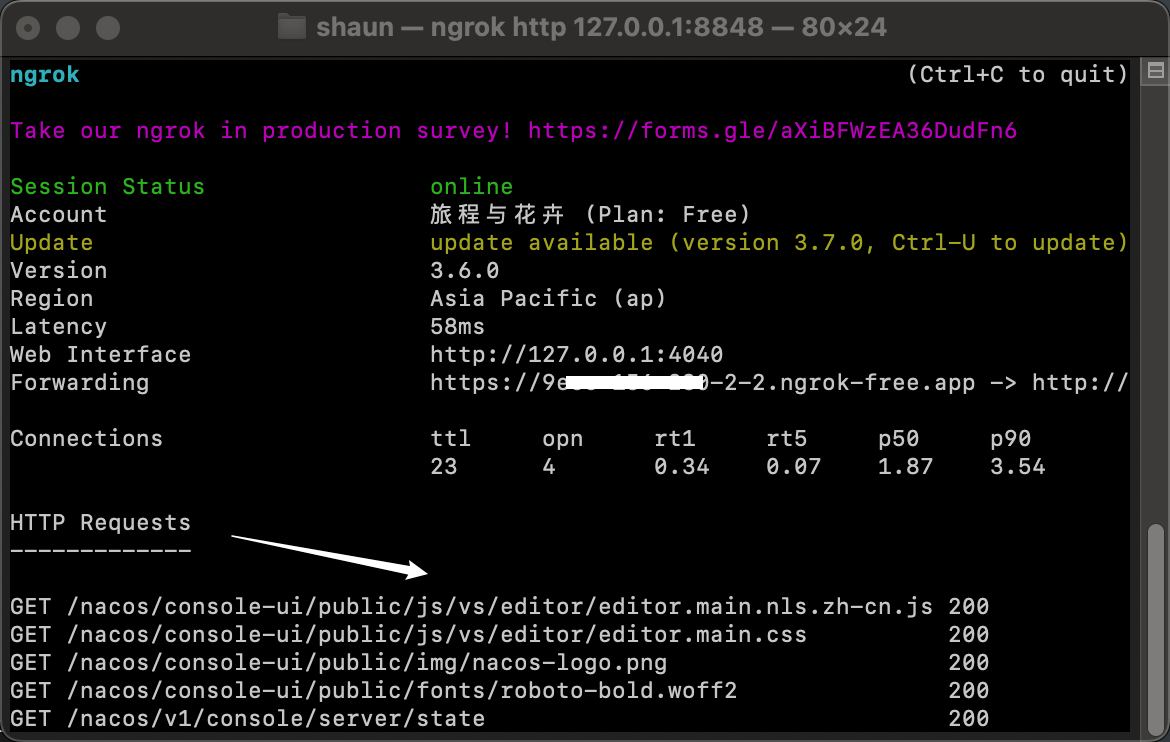
ngrok http 127.0.0.1:8848
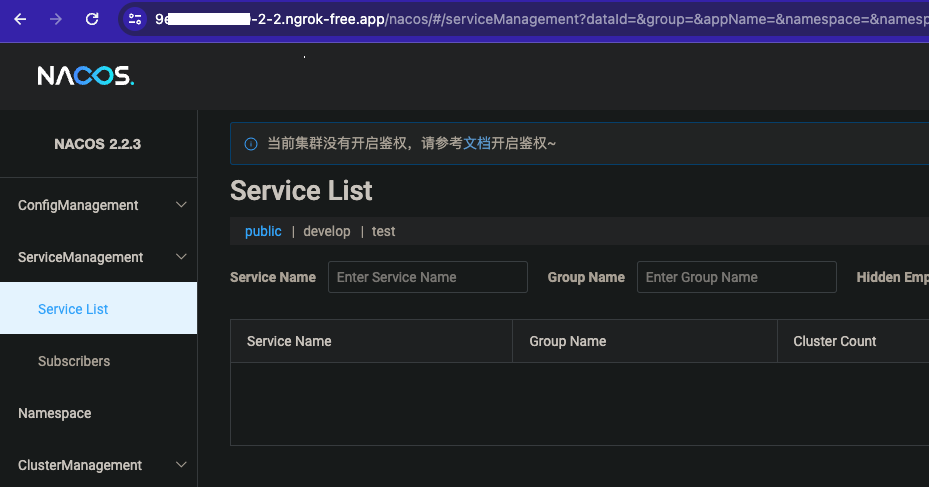
5、通过forwarding地址即可公网访问
License:
CC BY 4.0